Four taps and done
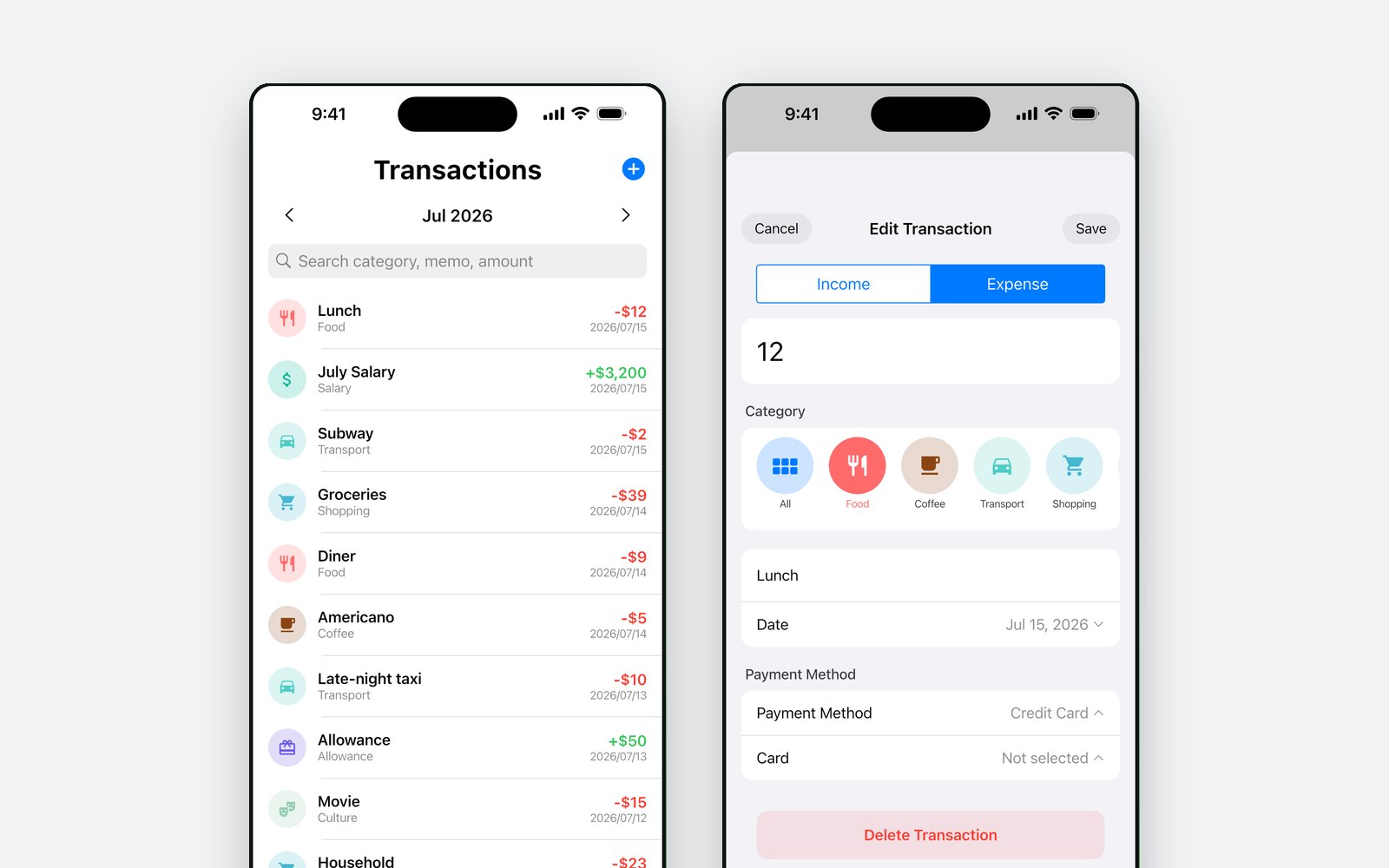
Date, amount, category, payment method. The amount field is a calculator, so a split bill is worked out where you type it rather than in another app.
Log an expense in four taps — date, amount, category, payment method — and see where the month went in donut charts and a calendar. No sign-up, no bank linking, nothing leaves your phone.
The idea
They quit because logging a coffee took a minute and a half. K-Pockit is built around the twenty seconds a day you will actually spend on this: the entry screen is the first thing you reach, and everything that would slow it down — accounts, bank connections, setup wizards — was left out.
What's in it
Date, amount, category, payment method. The amount field is a calculator, so a split bill is worked out where you type it rather than in another app.
Paid in yen and think in won? Enter the foreign amount and it converts at the day's rate. Eleven currencies, fetched when you ask for them.
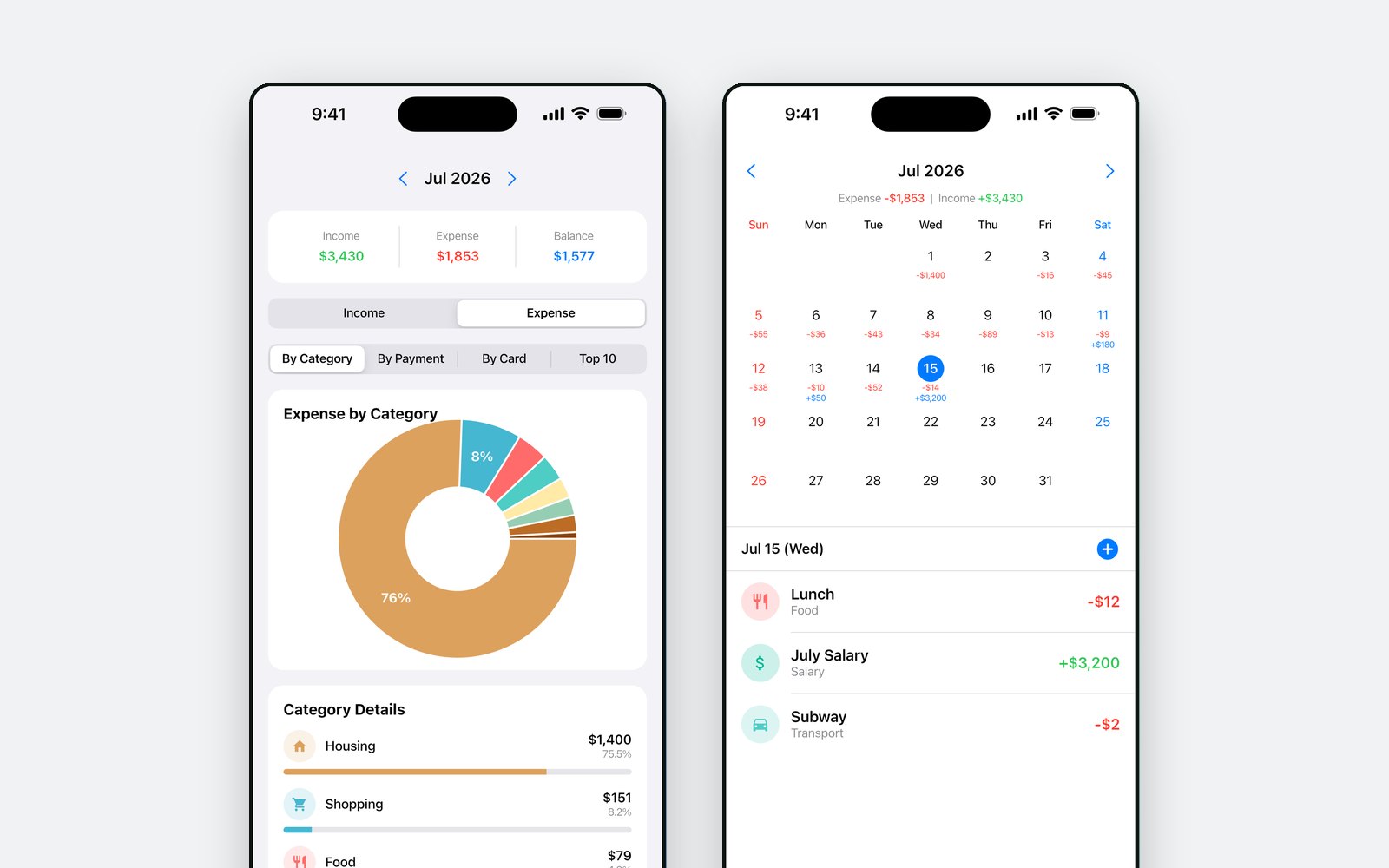
The calendar carries each day's income and expense under the date. Tap a day to see just that day's records.
Donut charts by category, by payment method and by card issuer, a Top 10 of what you spent most on, and the month's income, expense and balance.
A cap for the month or for one category. It is there to be checked, not to send you notifications.
Add categories with your own icon and colour. The defaults are a starting point, not a fixed list.
Where it came from
The first version reached the App Store in April 2026 — a ledger for the kind of person who tries a budget app every January and stops by February.
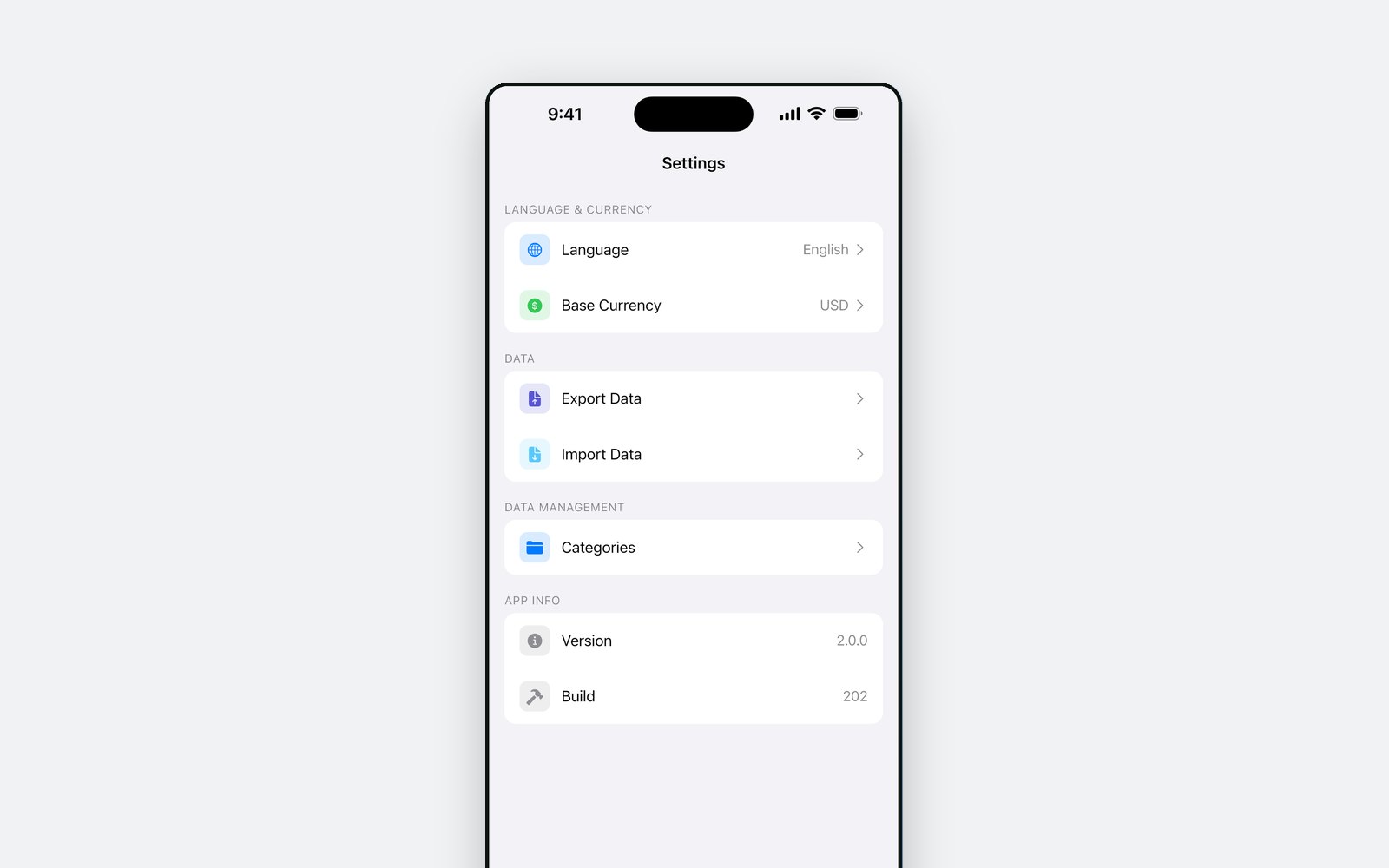
2.0 arrived that June: a redesign, the donut statistics, custom categories, and CSV and JSON export so the records were never trapped in the app.
The Android build is the same Flutter codebase. It went through a closed test and reached Google Play in September 2026 — the same bundle the testers ran.
Privacy
There is no account to attach them to and no server to send them to — every transaction lives in a database on the device and goes when the app goes. The one thing that leaves is a currency code, sent to a public exchange-rate service when you ask for a rate. The app is free and carries a banner ad, which means Google AdMob collects the usual advertising identifier and device information — all of it written out in the privacy policy.
Free on the App Store and Google Play. It works offline — the network is only used for ads and for exchange rates.