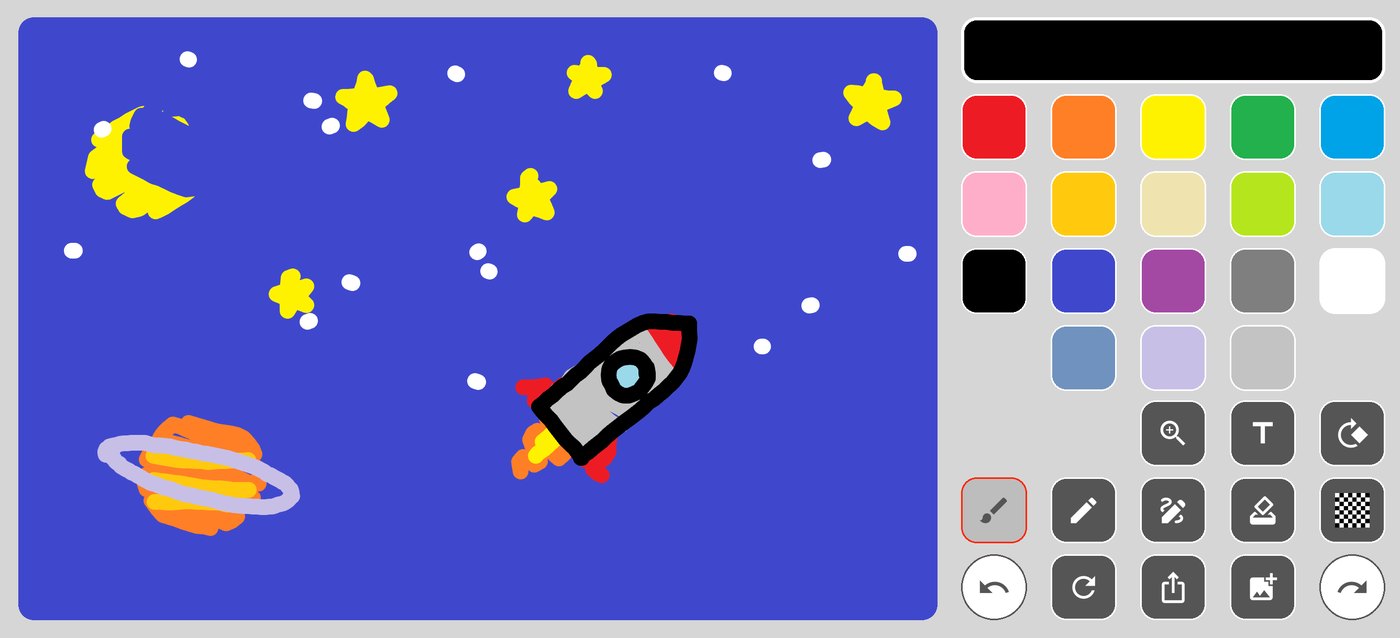
Four tools
Brush, pencil, marker and eraser — each with its own weight and edge, not one slider pretending to be four.
No account. No tutorial. No subscription. Eighteen colours and four tools, fixed — so there is nothing to choose before the first stroke, and nothing in the way after it.
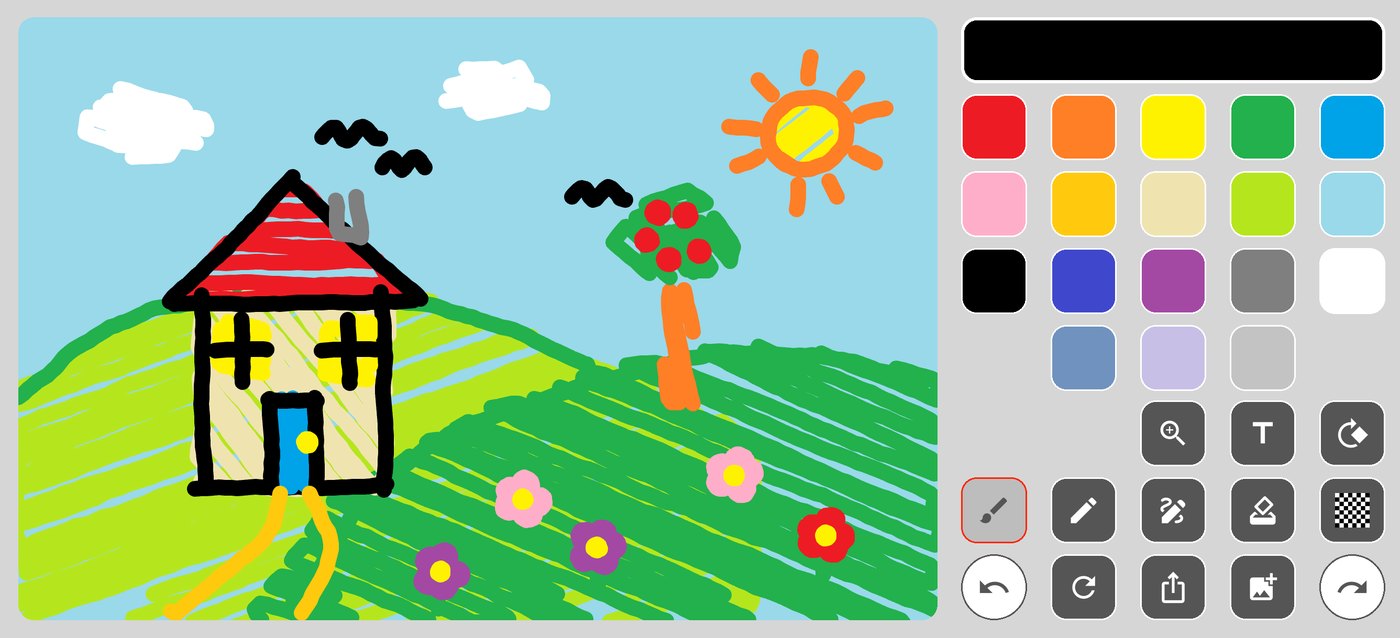
The idea
Every drawing app I tried wanted something from me before it would let me draw a line. PaintBoard asks for nothing. That constraint decided every feature below — including the ones I removed.
What's in it
Brush, pencil, marker and eraser — each with its own weight and edge, not one slider pretending to be four.
A fixed palette. No wheel, no hex field, no decision to make before the first stroke.
Type anywhere, then move, resize or rotate it. It lives in the drawing, so the eraser treats it like ink.
Drop in a photo and draw over it. The photo never leaves the device.
Pinch to zoom for detail, rotate the canvas ninety degrees when the drawing wants a different orientation.
One tap to save to your photos or hand it to any other app.
The palette
They came from the first version in 2017 and have not changed since. Picking a colour takes one tap, and it takes the same one tap every time.

Where it came from
I wrote the first version in 2017 as a native iOS app, for one reason: I wanted to sketch something quickly and every app on my phone made me set up first.
This year I rewrote it from nothing in Flutter, so the Android half of the world could have it too. The rewrite was almost entirely an exercise in restraint — the temptation to add layers, brushes and a colour wheel is constant, and every one of them would have cost the thing that makes it useful.
It is still one screen. It still has eighteen colours.
There's also PaintBoardPro on the App Store — a separate app with a full colour picker, not a paid tier of this one. PaintBoard is deliberately the simpler of the two, and it stays free.
Privacy
There is no server to upload them to. Everything is handled on the device and is gone when you delete the app. The app is free and carries ads, which means Google AdMob and Firebase Analytics collect the usual advertising identifier and device information — all of it written out in the privacy policy.
Free on both stores. It works offline, so you can install it now and use it on the plane.